
Quick Start Guide
1
Download the app
2
Power on
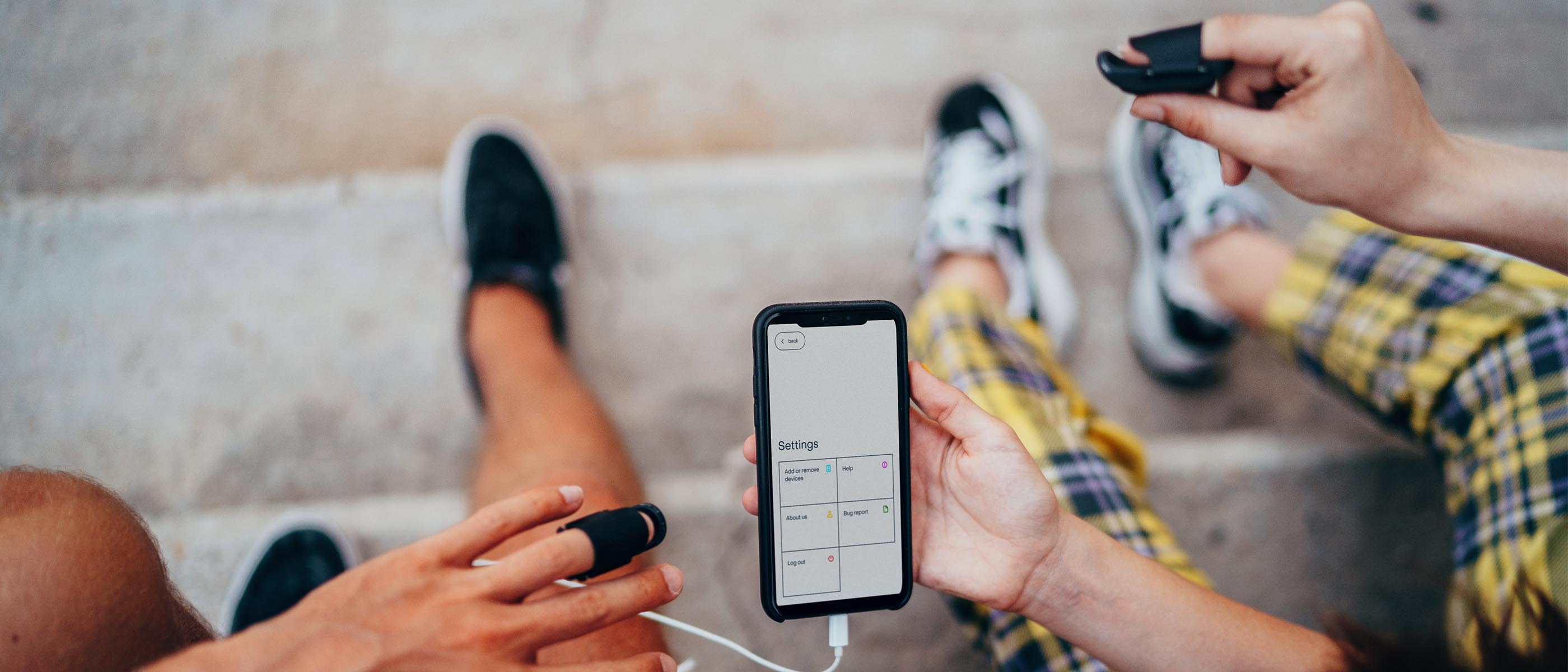
Place the devices on your index fingers with the side buttons facing you for thumb operation.
3 sec. hold - Turn on
12 sec. hold - Turn off
Devices will auto turn off if not used.

3
Bluetooth ON
You don't need to pair the devices from your phone's Bluetooth. You just need to have your Bluetooth on.
4
Launch App
Devices will connect from the Music Fingers App.
5
Tap 2 Play
Tap the Play pads to launch sounds and loops.

6
Action Button
Hit the side action buttons to browse through the presets or premium preset sound layers.

MIDI Connectivity
Add devices to Mac computer:
Audio MIDI Setup > MIDI > Bluetooth > You will see the devices there on the list - Connect!
Ableton:
Make sure to check remote and sync in MIDI devices.